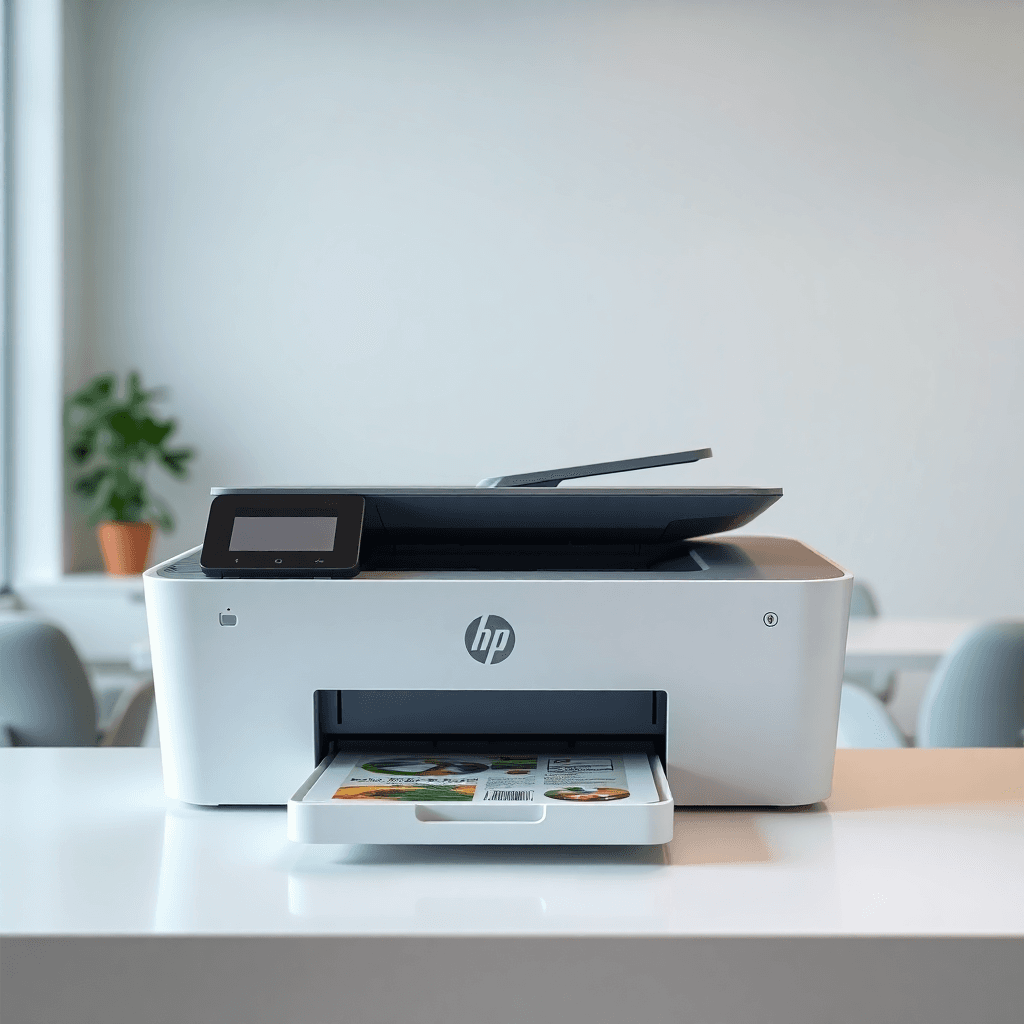
You've just run out of ink. You pop online to replace it — and notice the replacement cartridge costs £18. Meanwhile, the exact same printer model is on sale for £35.
This is one of the most common and genuinely awkward situations in consumer tech. So let's answer it properly: is it cheaper to just buy a new printer?
The short answer: sometimes yes, but usually only if you think past the immediate cost.
---
Why ink is so expensive relative to printer hardware
Printer manufacturers sell the hardware at close to break-even and make their real profit on ink and toner. This is the "razor and blades" model, and it's been standard in the industry for decades.
The result is that entry-level inkjet printers — especially home models from HP, Canon, and Epson — are often priced at £30–£80 while their official cartridges cost £10–£25 per set. A standard-yield cartridge might only give you 120–200 pages before it needs replacing again.
At that yield and price, you're paying 5p–15p per page just for ink. That adds up fast.
---
When buying a new printer actually makes sense
There are specific situations where buying a new printer is the financially rational move:
1. The cartridge costs more than 40–50% of the printer price
If a replacement ink set costs £20 and the printer is £45, you're within striking distance of a replacement — but only if the new printer comes with starter cartridges (most do). In that case you're effectively buying cheap starter ink plus a warranty reset.
Warning: starter cartridges are usually very low yield — 50–80 pages. Factor that in.
2. Your printer is old and has other problems
If the printer already has issues — paper jams, streak lines, one colour printing inconsistently — a new ink set won't fix any of that. In this case, the decision almost makes itself.
3. A newer model has significantly lower running costs
This is the calculation most people skip. If your current printer costs 8p per black page and a new EcoTank-style model costs 0.5p per black page, that's a massive difference over time.
Example:
- You print 100 pages/month
- Current printer: 8p/page = £8/month = £96/year on ink
- EcoTank alternative: 0.5p/page = £0.50/month = £6/year on ink
- EcoTank hardware cost: ~£200
At those numbers, the EcoTank breaks even in roughly 2 years and saves you money every year after that. If you plan to print for 3–4 years, it's clearly the better financial decision.
---
When you should just replace the ink
1. You print infrequently
EcoTank and laser printers have high upfront costs that only make sense if you print regularly. If you print 20–30 pages a month, you're better off sticking with a cheap inkjet and buying standard cartridges as needed.
2. Your printer is less than 2 years old and works fine
A working printer with a fresh cartridge is almost always cheaper than buying a new one in the short term. The sunk cost of the printer is already spent — the question now is just running costs.
3. You use compatible / third-party cartridges
If you're already using compatible cartridges (not OEM), your effective cost per page is probably 30–50% lower than official pricing. At that level, cartridge replacement becomes much more economical.
---
The maths: how to actually work it out
Here's a simple framework to use for any printer you own:
Step 1: Find your current cost per page. Divide the cartridge price by its stated page yield. Example: £13 for 240 pages = 5.4p per page (black).
Step 2: Estimate what you spend on ink per year. Pages per month × cost per page × 12. Example: 80 pages/month × 5.4p = £52/year.
Step 3: Find the running cost of a potential replacement printer. Use our cost per page calculator or check the manufacturer's stated yield/price.
Step 4: Calculate the break-even point. Annual saving = (current annual ink cost) − (new annual ink cost). Break-even years = (new printer hardware cost) ÷ (annual saving).
If the break-even is under 2 years and you expect to keep printing, buying the new printer is likely worth it.
---
What type of printer actually has low running costs?
| Printer type | Typical black cost/page | Best for |
|---|---|---|
| Standard inkjet (HP/Canon/Epson) | 4p–12p | Occasional home printing |
| Laser mono (Brother/HP) | 1.5p–4p | Regular document printing |
| EcoTank / MegaTank (Epson/Canon) | 0.4p–1p | High-volume home printing |
| HP Instant Ink subscription | Variable (around 1p–3p) | Predictable, moderate volumes |
If you're currently on a standard inkjet and printing more than 80–100 pages/month, there's a good chance a laser or EcoTank printer would save you money within 18–24 months.
---
Common mistakes people make
Buying a cheap printer repeatedly. An £35 printer that costs £22 in ink every few months is far more expensive over 3 years than a £120 printer with much lower running costs.
Ignoring starter cartridge yields. New printers come with starter cartridges, not full cartridges. On many HP and Canon models, the starter cartridge yields only 50–80 pages. Factor in a full cartridge purchase very soon after buying.
Assuming compatible cartridges void the warranty. In the UK and EU, manufacturers cannot legally void your printer warranty solely because you used compatible cartridges. This is a common myth. Third-party ink is a legitimate way to cut costs.
---
Our recommendation
Use our upgrade advisor to enter your current printer and monthly print volume — it'll calculate whether upgrading to a cheaper-to-run model makes financial sense for your specific situation.
If you just want a quick rule of thumb:
- Print less than 50 pages/month? Just replace the cartridge.
- Print 50–150 pages/month? Check if a laser or EcoTank breaks even within 2 years.
- Print more than 150 pages/month? A laser or EcoTank will almost certainly save you money. Do the maths.
Browse printers by running cost → Use the upgrade calculator → Calculate cost per page for your current printer →