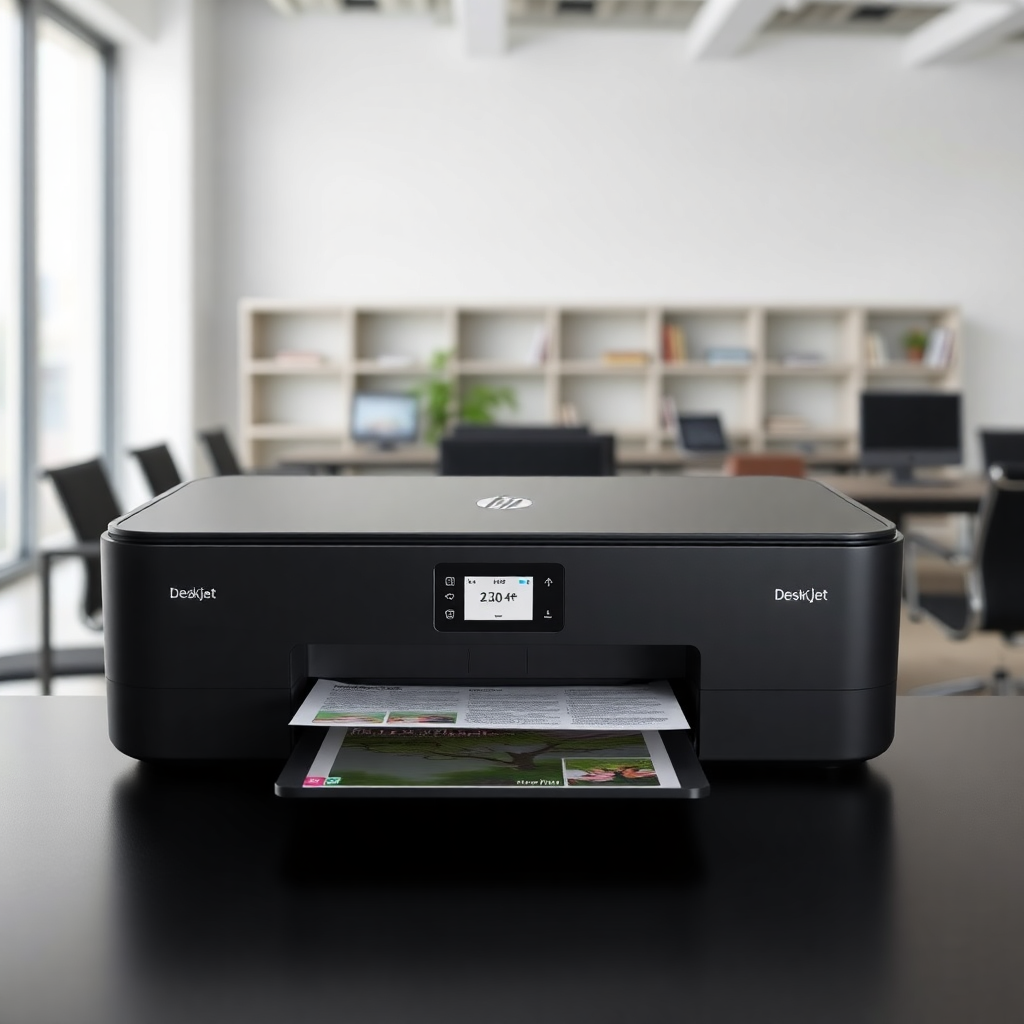
Need the current cartridge list first? Use our HP DeskJet 2710e printer page for compatibility, cartridge options, and live decision pages.
The HP DeskJet 2710e is one of the most popular home printers, but the bigger question is not just "what ink does it use?" It's whether HP 305 cartridges make this printer too expensive to keep.
If you want the direct cartridge decision first, read HP 305 vs HP 305XL: which is better value?. If you are deciding whether the printer is worth keeping at all, use our HP DeskJet 2710e running cost guide.
Comparing Instant Ink, tanks, and retail cartridges? See HP Instant Ink vs EcoTank vs cartridges. For a similar duplex ENVY on HP 67 ink, read ENVY 6400e ink costs.
What Ink Does HP DeskJet 2710e Use?
The HP DeskJet 2710e uses HP 305 cartridges. This cartridge range includes:
- HP 305 Black - For black and white printing
- HP 305 Tri-color - For color printing (cyan, magenta, yellow combined)
Both standard and XL (high-yield) versions are available. The XL cartridges offer better value for higher volume printing.
HP 305 Cartridge Options
Standard Cartridges
- HP 305 Black Original - ~200 pages
- HP 305 Tri-color Original - ~165 pages
XL Cartridges (Better Value)
- HP 305XL Black Original - ~500 pages
- HP 305XL Tri-color Original - ~330 pages
The XL cartridges cost more upfront but provide significantly lower cost per page, making them ideal if you print regularly.
Cost Per Page Analysis
Based on typical retail prices:
- Standard HP 305 Black: Approximately 4-5p per page
- XL HP 305 Black: Approximately 3-4p per page
- Standard HP 305 Tri-color: Approximately 6-8p per page
- XL HP 305 Tri-color: Approximately 5-6p per page
For mixed printing (black and color), expect an average cost of around 5-6p per page with standard cartridges, or 4-5p per page with XL cartridges.
Compatible vs Original Cartridges
You have two main options:
- Original HP 305 Cartridges - Guaranteed compatibility and print quality, but higher cost
- Compatible Third-Party Cartridges - Lower cost, but quality can vary
Many users find compatible cartridges work well for everyday printing, while original cartridges are better for important documents or photos.
Tips for Lower Ink Costs
- Use XL cartridges if you print more than 50-100 pages per month
- Print in draft mode for internal documents
- Use grayscale when color isn't needed
- Consider compatible cartridges for non-critical printing
- Check for printer subscription plans - HP Instant Ink may be available
When to Replace Cartridges
The HP DeskJet 2710e will alert you when ink is low. Signs you need new cartridges:
- Faded or streaky prints
- Missing colors in prints
- Printer warning messages
- Low ink indicator in HP Smart app
Troubleshooting Common Issues
Printer not printing black?
- Check cartridge is properly seated
- Run print head cleaning utility
- Ensure cartridge isn't empty
Streaky prints?
- Run printer cleaning cycle
- Check cartridge expiration date
- Clean print head if accessible
Conclusion
The HP DeskJet 2710e is a reliable printer, and with the right cartridge choices, you can keep running costs reasonable. For most users, HP 305XL cartridges offer the best balance of cost and convenience.
Use our HP DeskJet 2710e page for the full cartridge list, use our ink calculator to compare costs for your printing volume, or read the keep-or-upgrade verdict for the DeskJet 2710e.