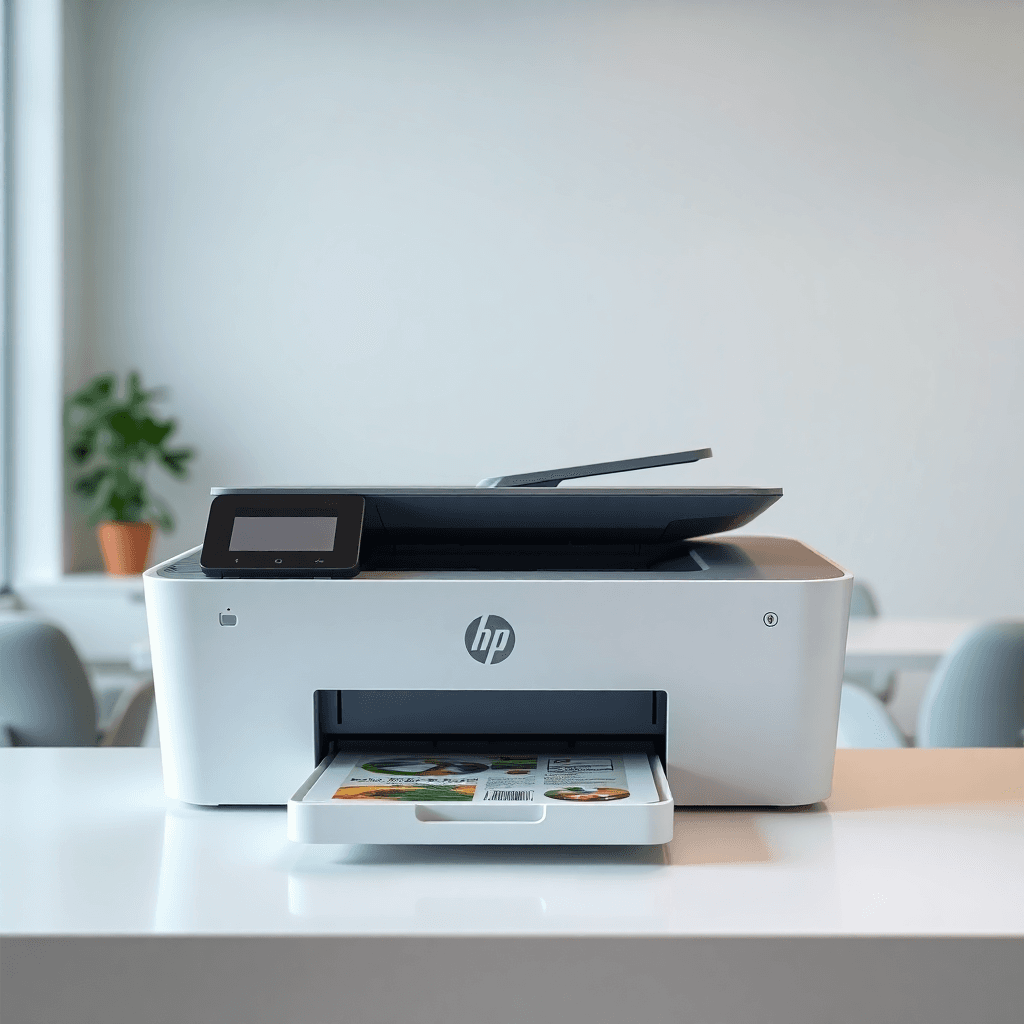
If you've ever checked the price of a replacement ink cartridge and done a double-take, you're not imagining it. Printer ink is genuinely, spectacularly expensive by volume — often cited as one of the most expensive liquids on earth by millilitre.
So why does it cost so much? And more importantly, what can you actually do about it?
---
The real reason ink is so expensive
1. The razor-and-blades business model
This is the core explanation. Printer manufacturers sell the hardware at very low margins — sometimes even at a small loss — and make the bulk of their profits from ink and toner sales over the printer's lifetime.
HP, Canon, and Epson have all optimised their business models around ink revenue. A £40 printer might generate £200–£400 in ink sales over five years. That's where the real money is.
2. Printers are designed around specific cartridges
Printer companies invest heavily in ensuring their ink is "optimised" for their hardware. This is partly genuine — ink formulations are engineered to work with specific printhead designs and paper types — but it also serves as a lock-in mechanism. Third-party ink has to work around whatever proprietary specs the manufacturer has built into the system.
3. DRM and chip technology
Modern ink cartridges often contain microchips that communicate with the printer. These chips track ink levels, trigger "cartridge empty" warnings before the cartridge is truly empty, and in some cases actively block compatible cartridges from working. Printer manufacturers have invested significantly in making it harder for third-party suppliers to produce compatible products.
4. Cartridge yields are often deliberately low
Entry-level cartridges — the kind that come in the box with cheap printers, and the cheapest cartridges in the range — often have very low page yields. A "starter" cartridge in a new HP or Canon inkjet might only print 50–80 pages. This forces early repurchases at full retail price.
5. Retail markups and convenience premium
Most people buy replacement ink when they've run out — which means they need it now. Retailers know this and price accordingly. Buying a cartridge at a supermarket or office supply chain is almost always more expensive than buying online.
---
What you can do about it
Switch to XL / high-yield cartridges
This is the single easiest win available to most printer owners. High-yield (XL) cartridges cost more upfront but deliver significantly more pages per pound spent.
Example (HP 305 cartridges):
| Variant | Price | Yield | Cost per page |
|---|---|---|---|
| Standard | ~£8 | ~120 pages | ~6.7p |
| XL | ~£13 | ~240 pages | ~5.4p |
The XL version is 63% more expensive upfront but 20% cheaper per page. If you print regularly, the maths always favours XL.
Use compatible / third-party cartridges
Compatible cartridges are made by third-party manufacturers to work in OEM printers. A decent compatible cartridge typically costs 30–60% less than the equivalent OEM product.
Common concerns, addressed:
- "Will it void my warranty?" — Under UK and EU law (and specifically the Block Exemption Regulations), printer manufacturers cannot void your warranty solely because you used compatible ink. This is a widespread myth the manufacturers have done little to correct.
- "Will the quality be worse?" — For document printing, usually not noticeably. For high-quality photo printing, results can vary. Buy from a reputable supplier with a returns policy.
- "Will the printer reject it?" — Some modern HP and Epson printers use firmware updates to block certain compatible cartridges. Check compatibility before buying, and consider disabling automatic firmware updates.
Consider an EcoTank or MegaTank printer
Epson's EcoTank and Canon's MegaTank printers use refillable ink tanks instead of cartridges. The ink is sold in bottles at a fraction of the per-ml cost of cartridges.
Cost comparison:
- Typical inkjet: 4–10p per black page
- EcoTank: around 0.2–0.5p per black page
The hardware costs more upfront (typically £150–£300), but if you print regularly, the break-even is usually 18–24 months.
Look at an HP Instant Ink subscription (with caveats)
HP Instant Ink is a subscription service where you pay monthly for a page allowance rather than buying cartridges outright. It can be good value at moderate print volumes — but it locks you into the subscription and the ink stops working if you cancel.
Read the terms carefully before signing up. It works best for people who print predictable volumes each month.
Use a laser printer for document-heavy printing
Mono laser printers — particularly from Brother — have running costs of 1–3p per black page, compared to 5–10p for a standard inkjet. If you mostly print text documents and don't need colour, a laser printer is almost always cheaper in the long run.
Typical break-even: At 100 pages/month switching from inkjet to laser mono, you'll usually recoup the hardware cost within 12–18 months.
---
What you can't change
Some costs are baked in. Printer ink will always cost something, and the convenience of home printing means some premium is inevitable. But most printer owners significantly overpay — either by buying standard cartridges instead of XL, ignoring the compatible market, or sticking with a high-cost-per-page printer out of habit.
---
Quick-start action plan
- Check what cartridge your printer uses — look on our printers list for a full breakdown
- Switch to XL versions if you're not already using them
- Compare compatible cartridge prices for your model
- Use our cost per page calculator to see your actual cost
- If you print over 100 pages/month, check the upgrade calculator to see if a laser or EcoTank would save you money
The printer company is counting on you not doing that maths. Now you can.
Related model guides: ENVY 6400e ink costs, WF-2830 ink costs, and M404dn toner costs.